What Is EDMS Software? Electronic Document Management System Explained
Ever had one of those moments where you know a document exists… but somehow it’s hiding in an email thread from last year, a shared drive folder called “Final_Final2,” or someone else’s desktop? Yeah — you’re not alone.
McKinsey’s latest report shows that employees spend a surprising chunk of their workday just trying to track down the information they need. That’s hours lost every single week — not on productive work, but on digging through emails, folders, and disconnected systems.
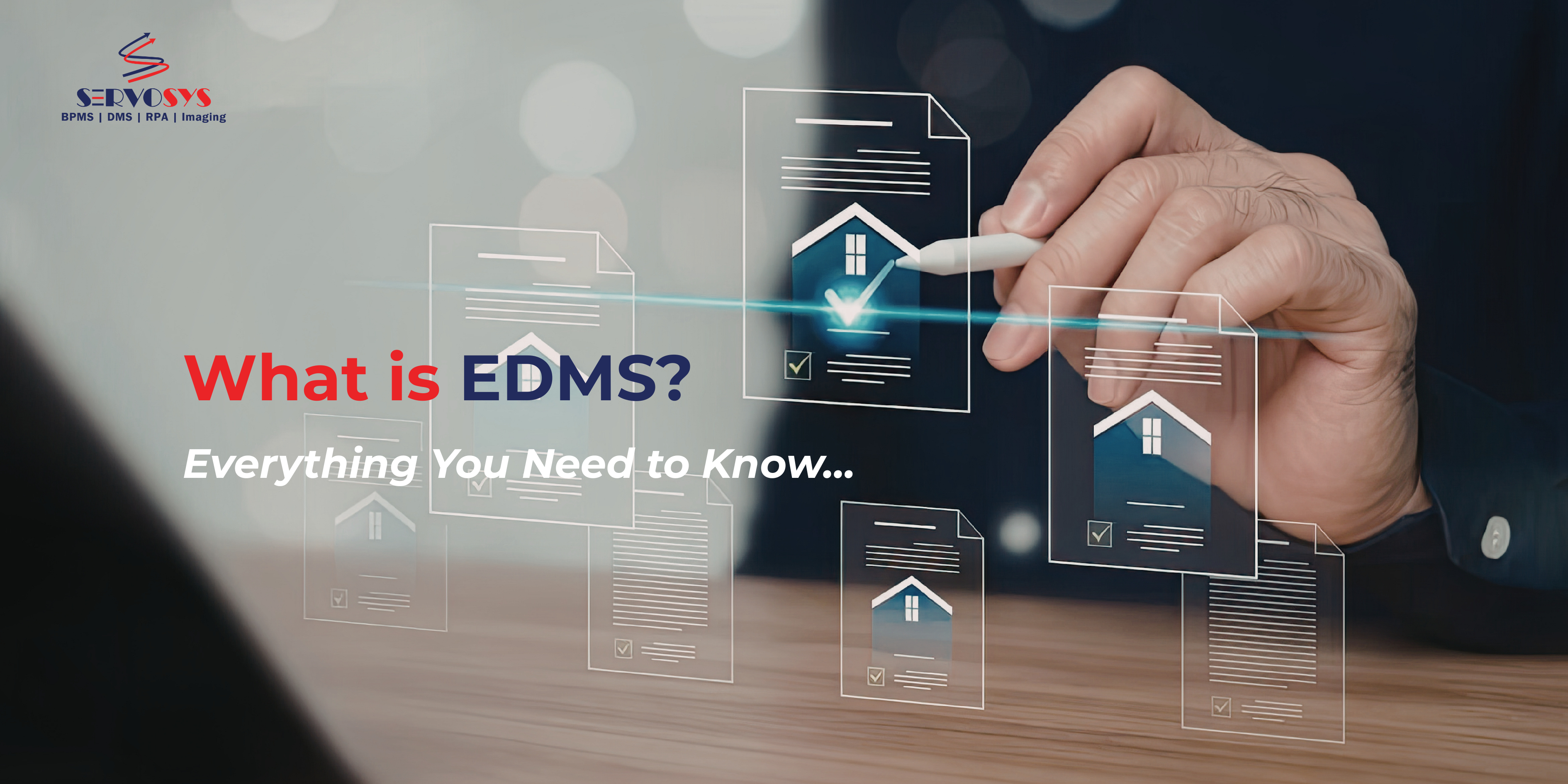
This is exactly the kind of chaos an Electronic Document Management System (EDMS) is built to fix. By digitizing, organizing, securing, and automating document processes, EDMS turns scattered files into structured, searchable, and manageable information.
What Is an EDMS Software?
An Electronic Document Management System (EDMS) is a software solution that enables organizations to capture, store, organize, manage, track, and control documents in digital form. Unlike basic file storage systems, an EDMS does much more than just hold documents. It provides structure, version control, security, workflows, and compliance management across the entire document lifecycle.
Common Misconceptions About EDMS Software
Misconception 1: “It’s just cloud storage.”
In Reality: Cloud storage stores files. EDMS manages their lifecycle, security, and workflows.
Misconception 2: “Only large enterprises need it.”
Even small businesses benefit from faster access, reduced paperwork, and better organization.
Misconception 3: “It’s too complex to implement.”
In Reality: Modern EDMS platforms are configurable and designed for gradual adoption.
EDMS vs DMS vs ECM — what’s the Difference?
These terms are often used interchangeably, but there are differences:
System | Primary Focus |
DMS (Document Management System) | Basic document storage, organization, and retrieval |
EDMS (Electronic Document Management System) | Digital document lifecycle management with versioning, security, and workflow |
ECM (Enterprise Content Management) | Broader management of all enterprise content including documents, emails, media, and web content |
An EDMS sits between a basic DMS and a full ECM platform — offering strong control and automation for document-heavy processes.
Why Organizations Need an EDMS Software?
Most organizations don’t have a structured way to organize documents. This results in several problems such as:
- Time wasted searching for files
- Duplicate or outdated document versions
- Delays in approvals and processing
- Data security vulnerabilities
- Compliance and audit challenges
- Dependence on manual, paper-based processes
An EDMS addresses these issues by introducing automation, visibility, accountability, and control.
Core Features of EDMS (Electronic Document Management System)
A modern EDMS is designed to solve everyday document challenges — lost files, slow approvals, security risks, and compliance pressure. Each feature exists for a reason: to remove friction and help teams work with information more efficiently.
Document Capture and Import
An EDMS allows you to capture documents from multiple sources, including scanned paper files, email attachments, uploaded PDFs or spreadsheets, system-generated documents like invoices, and web forms. Powered with Optical Character Recognition (OCR) capabilities, it converts scanned images into searchable text.
Since documents enter one controlled system from the start, teams find it easier to locate, track, and manage data without manual sorting.
Metadata and Indexing
Searching through folders to find one document wastes time and often leads to duplicate files or missing information.
With EDMS, no more endless searching for docs with random keywords! Teams can tag metadata such as document type, department, customer or employee name, date, and reference number. Users can quickly locate documents using filters and keywords, even if they don’t know the file name, which speeds up daily work and reduces frustration.

Secure Central Repository
When files are stored across multiple locations, controlling access and preventing data loss may seem daunting to most teams.
EDMS stores documents in a centralized repository protected by role-based access controls, encryption, secure backups, and disaster recovery mechanisms. Result? Employees can safely access the documents they need while ensuring sensitive information remains protected and governed.
Version Control
Multiple versions of the same file create confusion about which one is correct, especially when documents are shared over email.
Having an EDMS helps teams overcome this. Every time a document is edited, the system saves a new version while keeping older versions accessible along with a history of changes.
With this, teams always work on the latest version while maintaining full traceability of edits, reducing errors and miscommunication.
Audit Trails
Organizations often lack visibility into who accessed or modified important documents, which creates compliance and accountability risks.
An EDMS software logs all document activity, including:
- Who accessed a file?
- What actions were taken?
- When they occurred?
Result? Managers and compliance teams gain a clear, verifiable record of document usage, supporting audits and internal governance.
Workflow and Process Automation
Manual document handoffs slow down processes like approvals, reviews, and verifications. With EDMS, documents automatically move through predefined workflows such as invoice approvals, contract reviews, loan processing, HR onboarding, and compliance checks. Moreover, tasks can be routed to the right people with reminders and escalation rules, reducing delays and increasing accountability.

Collaboration Tools
Emailing documents back and forth leads to duplicate files and disconnected conversations.
With an EDMS, teams can securely share documents, add comments or annotations, and work on the same file within the system. As everyone is working from a single, up-to-date version of the document, this often boosts team’s collaboration and decision making.
System Integrations
Documents often sit in one system while the actual business activity happens in another. This disconnect forces employees to switch between platforms just to find the right information.
An EDMS solves this by integrating with systems such as ERP, CRM, HRMS, and core banking or insurance platforms. This allows users to access related documents directly within the systems they already use every day, reducing system switching and improving overall productivity.
Retention and Archival
Keeping documents longer than necessary increases storage clutter and compliance risk, while deleting them too early can create legal and regulatory issues.
An EDMS addresses this by applying retention rules that automatically archive older records, delete documents after required retention periods, and prevent unauthorized deletion. This ensures information stays organized, storage is optimized, and regulatory requirements are consistently met without relying on manual tracking.

Reporting and Analytics
Without clear visibility, it becomes difficult to identify delays, inefficiencies, or compliance gaps in document-driven processes.
An EDMS provides detailed reports on document usage, workflow bottlenecks, approval timelines, and compliance status. These insights highlight where processes slow down and where improvements are needed, allowing leaders to make informed decisions to improve performance, reduce turnaround times, and streamline operations.
How an EDMS Software Works: Step-by-Step Guide
An EDMS manages the full lifecycle of documents:
- Document Creation or Capture
Files are uploaded, scanned, or generated digitally.
- Indexing and Classification
The system assigns metadata and categorizes documents.
- Secure Storage
Documents are stored in a centralized repository with controlled access.
- Search and Retrieval
Users quickly find documents using keywords, filters, or full-text search.
- Workflow Processing
Documents are routed for review, approval, or processing.
- Version Tracking
Every update is logged and saved as a new version.
- Archival or Disposal
Documents are archived or deleted according to retention policies.


Benefits of Implementing an EDMS Software
Implementing an electronic document management system helps save cost, streamlines operations and enhances security and what not.
Here’s a curated list of benefits organizations can experience with an advanced EDMS software:
Faster Operations
No more wasting time searching for files, chasing approvals, or managing scattered paperwork. Implementing an electronic document management system helps reduce costs, streamline operations, and strengthen information security as everything’s available in a one centralized secured repository.
Cost Savings
Having an EDMS lowers dependence on paper, printing, physical storage, and manual handling of documents. Over time, this leads to noticeable reductions in administrative and operational costs.
Improved Security
Sensitive information is protected through access controls, encryption, and activity tracking. Morevoer, only authorized users can view or edit specific documents, reducing the risk of data breaches or misuse.
Better Compliance
Built-in audit trails and retention policies help organizations meet regulatory and legal requirements. Document histories remain transparent and verifiable during audits or reviews.
Enhanced Collaboration
Teams can access, review, and work on shared documents within a single system. This keeps communication connected to the document itself and avoids confusion caused by multiple file versions.
Increased Productivity
Employees spend less time handling paperwork, searching for files, or following up on approvals. This allows them to focus more on meaningful, value-driven tasks.
Remote Accessibility
Authorized users can securely access documents from anywhere, enabling remote work and supporting distributed teams without compromising control.
How to Choose the Right EDMS Software?
Selecting the right EDMS requires looking beyond basic features and focusing on how well the system fits your organization’s needs.
Deployment Model
Decide whether a cloud-based system, which offers flexibility and lower infrastructure costs, or an on-premise setup, which provides greater internal control, is more suitable for your organization.
Integration Capabilities
The EDMS should connect smoothly with your existing systems so documents can move easily across business applications without manual intervention.
Security Features
Strong security is essential. Look for encryption, role-based access controls, and compliance certifications that match your industry requirements.
Scalability
The system should be able to handle growing document volumes, additional users, and expanding business processes as your organization evolves.
Ease of Use
A user-friendly interface makes it easier for employees to adopt the system and use it correctly, reducing resistance and training time.
Workflow Flexibility
Choose a platform that allows business users to configure and update workflows without heavy dependence on IT teams.
Vendor Support and Training
Reliable vendor support, onboarding assistance, and training resources are important for ensuring successful implementation and long-term value.
Conclusion
An Electronic Document Management System is more than a tool for storing files — it is a foundation for how information flows, decisions are made, and accountability is maintained across an organization.
As businesses grow, documents naturally multiply, processes become more complex, and compliance expectations increase. Without structure, this leads to delays, version confusion, security gaps, and operational inefficiencies that quietly impact performance. An EDMS addresses these challenges at the source by introducing governance, visibility, automation, and control into the document lifecycle.
From a strategic perspective, EDMS is not simply a technology upgrade; it is an operational improvement initiative. Organizations that manage documents systematically are better positioned to reduce risk, accelerate processes, improve collaboration, and support broader digital transformation efforts.
If improving efficiency, strengthening compliance, and building a more resilient information environment are priorities for your organization, exploring a modern EDMS like ServoDocs can be a meaningful step toward creating a more structured, agile, and future-ready enterprise.
FAQ’s
FAQs on Document management solution
What types of documents can an EDMS manage?
An EDMS can manage PDFs, Word files, Excel sheets, images, scanned documents, emails, and system-generated files.
How is EDMS different from Google Drive or Dropbox?
File-sharing platforms focus on storage and sharing. EDMS provides structured workflows, version control, compliance tools, and enterprise-grade security.
Can EDMS integrate with existing business systems?
Yes. Most modern EDMS solutions integrate with ERP, CRM, HR, and other enterprise applications.
How long does EDMS implementation take?
Depending on scope and customization, implementation can take from a few weeks to several months.
Can small businesses afford an EDMS?
Yes. Many cloud-based EDMS solutions offer scalable pricing suitable for small and mid-sized organizations.
Transform your Lending Journeys!
Innovate, simplify, and expand with cutting-edge process automation solution.
- Gold Loan
- Consumer Durable
- Home Loan
- Microfinance
- MSME Loan
- Education Loan
- Construction Finance
- Corporate Loan
- Personal Finance
- Vehicle Loan